MaxRep / 02 / Fuel
Make food logging
fit real life.
Capture a meal in the way that works for the moment, then review the estimate before it becomes part of your day.
Three ways to begin
Photo. Voice. Barcode.
Food logging works best when it fits the meal in front of you. MaxRep supports quick capture and a chance to check what was recognized.
- 01
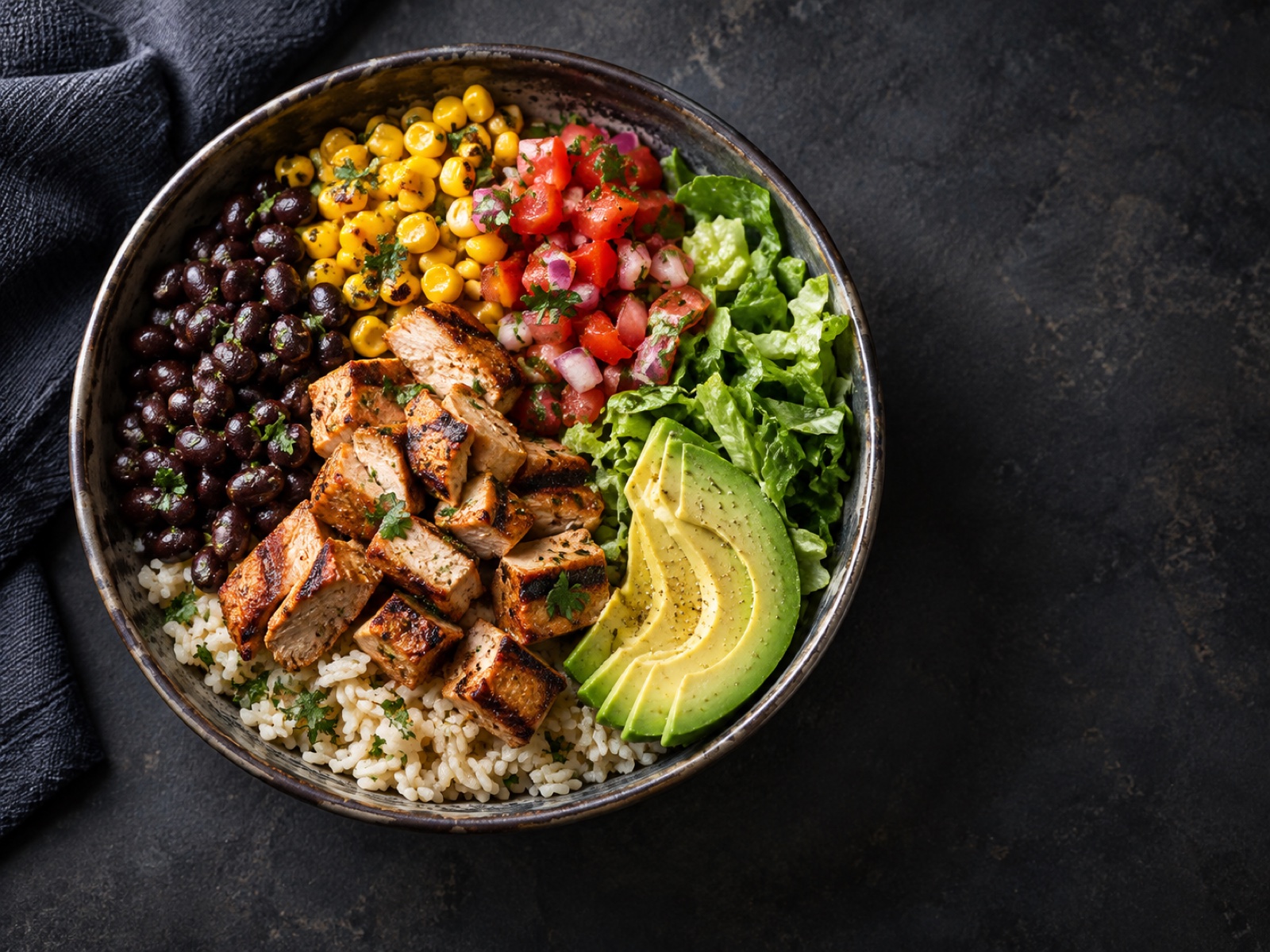
Take a photo
Capture a meal and review the foods and portion estimate MaxRep identifies.
- 02
Describe it aloud
Use a specific voice description when taking a photo is inconvenient.
- 03
Scan a barcode
Start with packaged-food information, then verify the serving before saving.
What matters
The estimate is a starting point.
Review ingredients, serving sizes, calories, and macros before saving a meal. Photo and voice estimates can be wrong, especially when portions or ingredients are hidden. MaxRep is a tracking tool, not medical or dietary advice.
Questions worth asking
Good to know.
How accurate is an AI meal estimate?
It varies with the image, description, food, and portion size. Check and adjust the result before saving it; do not treat it as a precise measurement.
Can I use MaxRep for medical nutrition decisions?
No. MaxRep does not diagnose conditions or replace guidance from a qualified healthcare professional.
Train / Fuel / Connect